
Ten classroom tools to try next week, from hall passes to reading groups.
.png)


Classroom tools found via @teacherdev
Happy Friday! I came across a list of classroom tools on Instagram from the account @teacherdev, and I clicked through every one of them so you can tell quickly which are worth your time. Here are ten, grouped by what they help with.
You don't need to try them all. Pick one, use it once next week, and see how it goes. Shy Safari during independent work or Math Figures for your next quiz are both easy places to start.
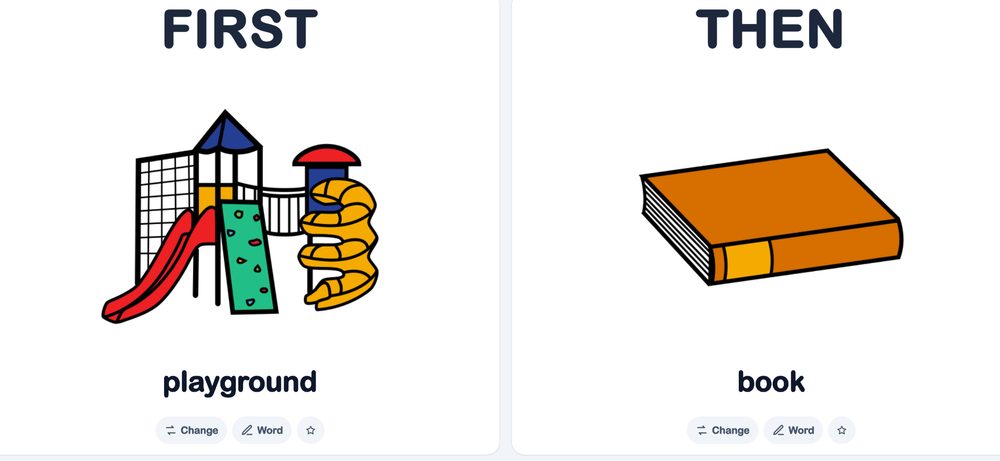
Let's start simple. First / Then is a digital visual board you can put right on your screen. You pair a picture with a word for what's happening now and what comes next, like playground first, then book. It's a small thing, and it can make a transition a lot smoother for the students who need to see what's coming.
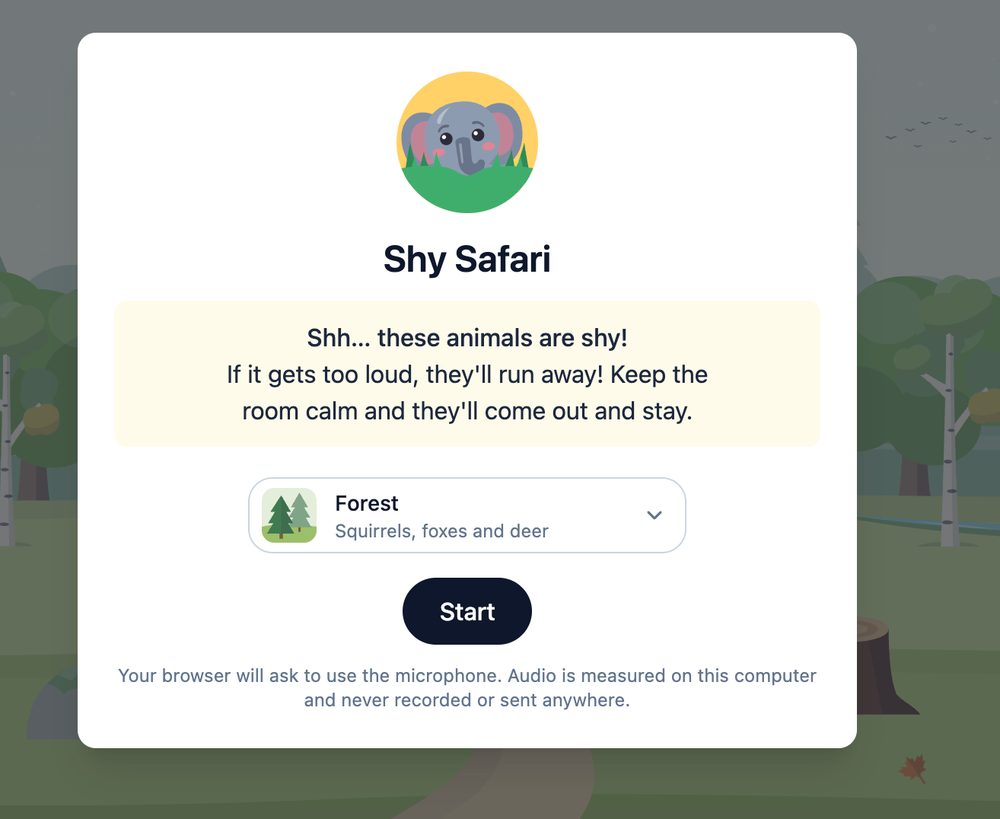
Most noise meters show a needle climbing toward red, which can feel more punative than encouraging. Shy Safari flips that. Put it on the projector and shy animals come out one at a time the longer the room stays calm. It's free, there's no sign-up, and the microphone only measures volume. Nothing is recorded.
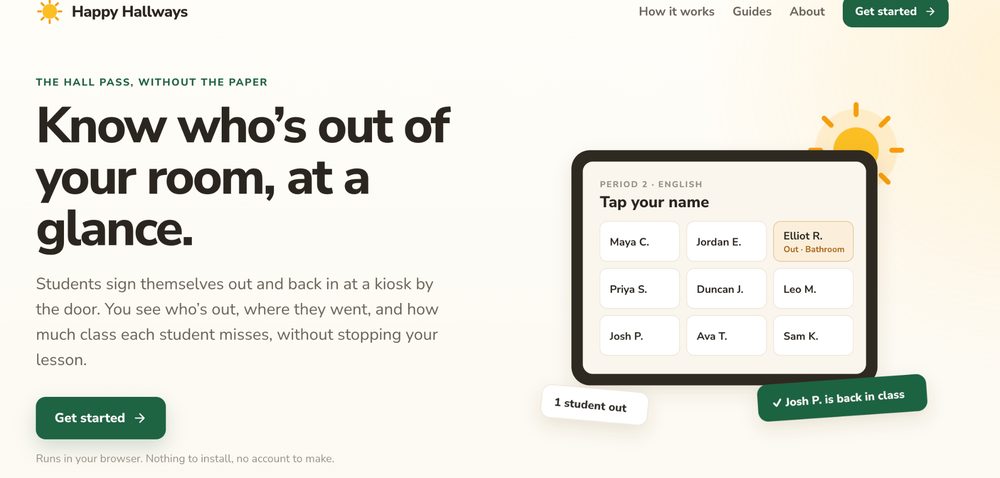
If you've ever lost track of who's out of your room, Happy Hallways is worth a look. Students sign themselves out and back in at a kiosk by the door. You can see who's out, where they went, and how much class each student misses, without stopping your lesson. There's nothing to install and no account to make.
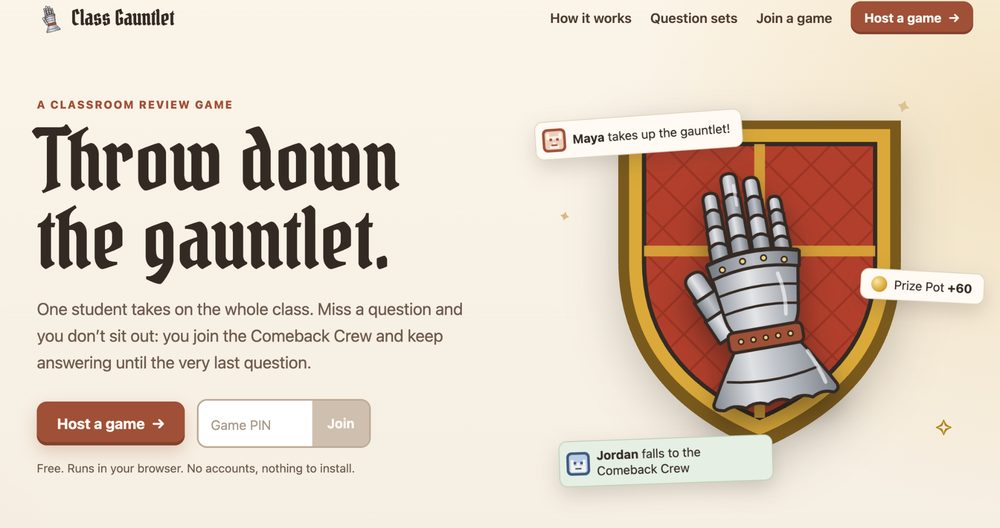
Review games have a built-in problem: the students who miss a question are the ones who sit out. Class Gauntlet handles it differently. One student takes on the whole class, and if you miss a question you join the Comeback Crew and keep answering until the very last question. It's free, runs in your browser, and doesn't need accounts.
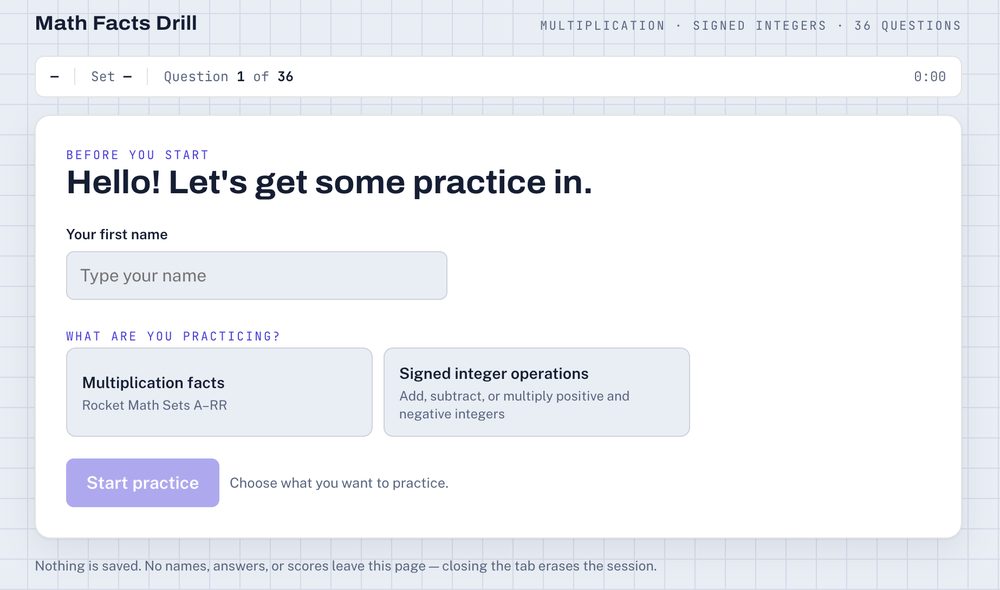
For math fact fluency, Math Facts Drill gives students quick practice with multiplication facts (Rocket Math sets A–RR) or signed integer operations. Nothing is saved, and closing the tab erases the session, which makes it easy to hand to students without any setup.
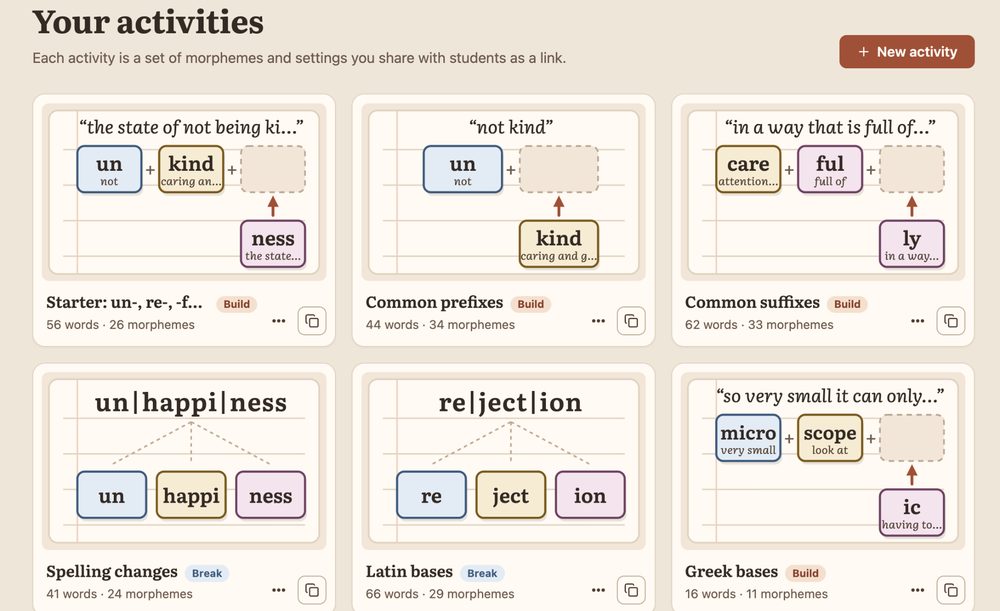
Middle and high school students can build vocabulary from the inside out with Morphology Mash. You put together activities from prefixes, suffixes, and Greek and Latin bases, then share them with students as a link.
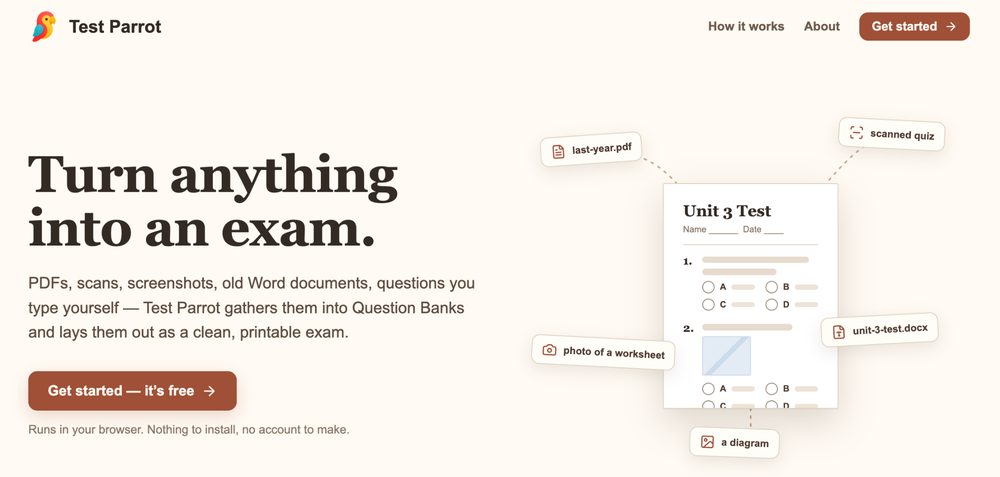
This one is for anyone who has ever rebuilt a test from scratch. With Test Parrot you can drop in PDFs, scans, screenshots, old Word docs, or questions you type yourself. It gathers them into Question Banks and lays them out as a clean, printable exam. It's free, runs in your browser, and doesn't need an account.
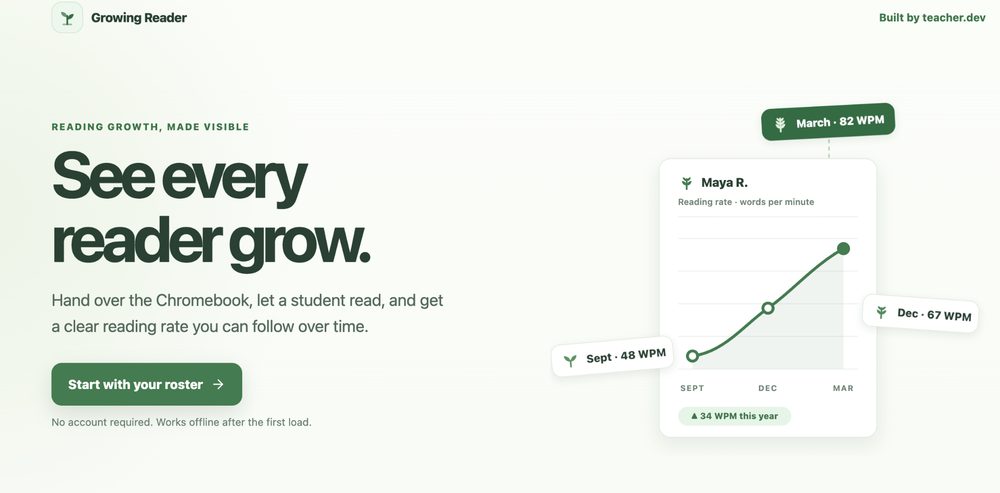
Growing Reader makes reading progress easy to see. Hand a student the Chromebook, let them read, and you get a clear reading rate you can follow over time. You don't need an account, and it works offline after the first load.
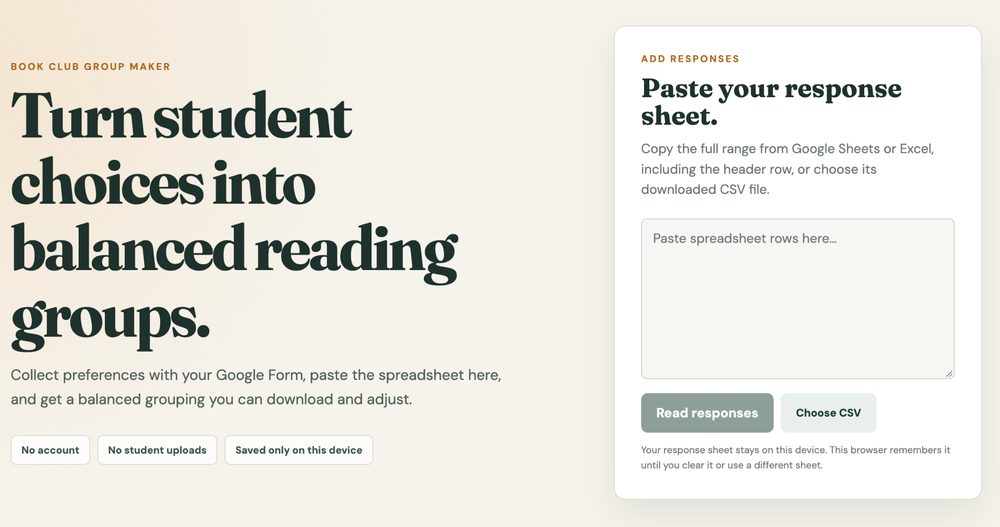
Book clubs run better when students get a say. Collect their preferences with a Google Form, paste the spreadsheet into Group Readers, and it builds balanced groups you can download and adjust. There's no account, and the sheet stays on your device.
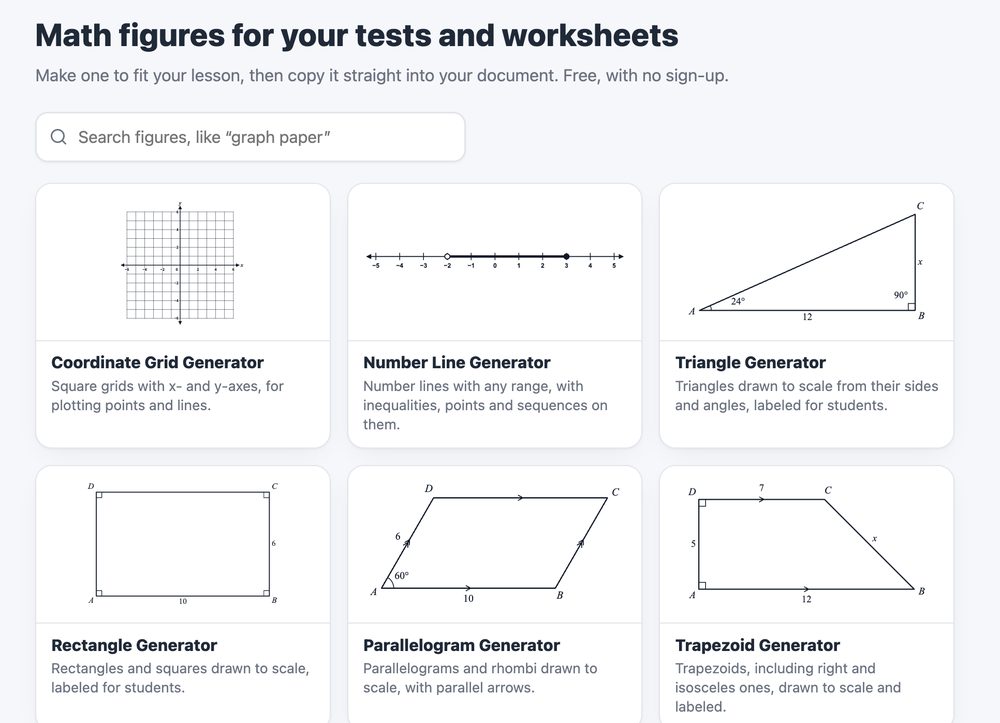
Last one, and it's a time-saver. Math Figures has free generators for coordinate grids, number lines, triangles, prisms, box plots, and more. Make one to fit your lesson, then copy it straight into a test, worksheet, or slide.
If you try one of these with your students, I'd love to hear how it went. And if you know a tool your colleagues should hear about, send it my way. It might show up in a future Tech Tips Friday.
%20(2).png)
%20(2).png)
.png)